Pinch. Pan. Lose your line.
Small fixed pages force you to zoom and drag across columns. On a phone, reading becomes navigation instead of comprehension.
Offline OCR reader for iPhone and iPad
ReflowPDF converts image-only pages into adjustable Reader Mode text. Read large type, switch themes, keep your place, and return to the original scan when context matters.
Private on-device processing. No account required.
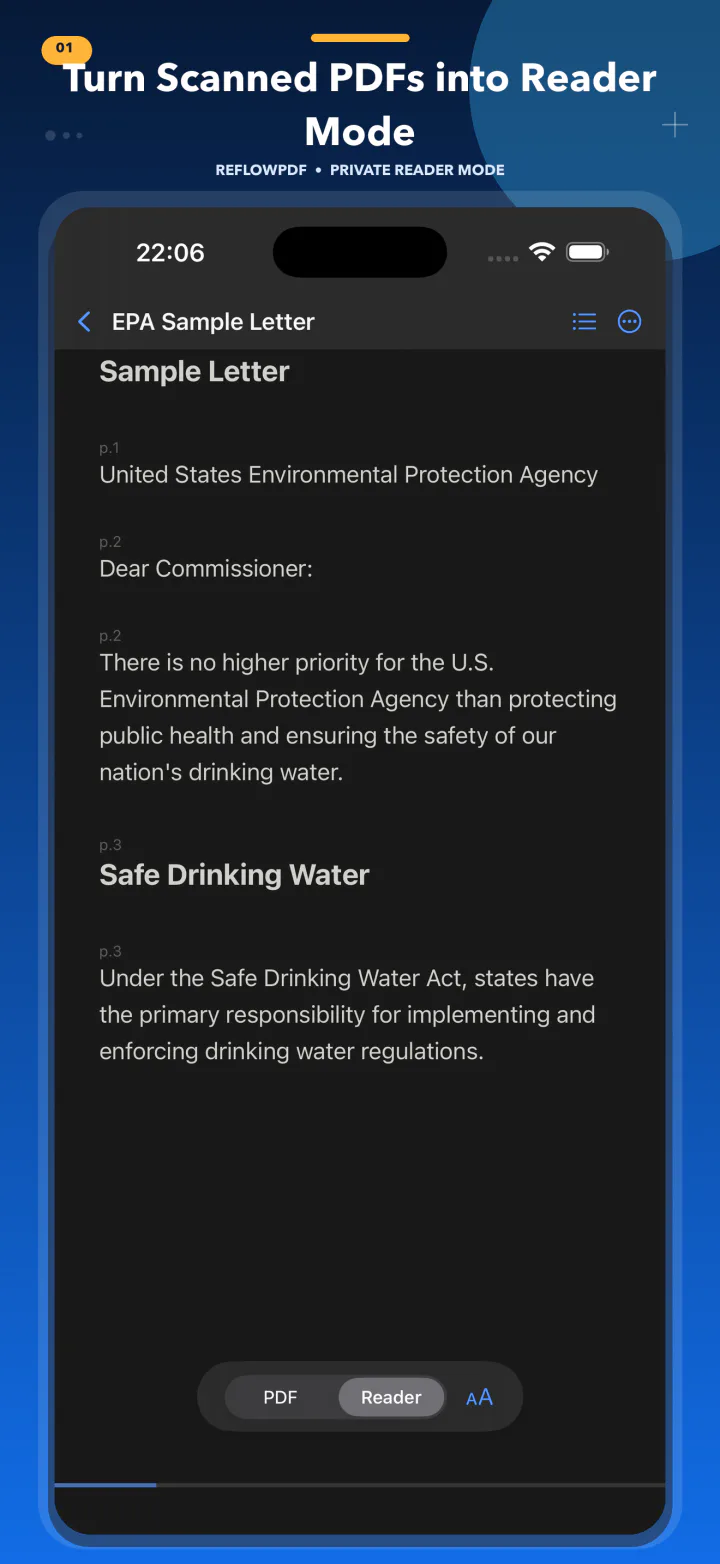
Many books, reports, and archive files are simply page images inside a PDF. A normal PDF viewer can show them, but it cannot make the printed type fit your screen.
Small fixed pages force you to zoom and drag across columns. On a phone, reading becomes navigation instead of comprehension.
Reader Mode rebuilds recognized paragraphs as flowing text, with adjustable type, spacing, font, and reading theme.
Keep the source document and create a more comfortable reading layer beside it.
Choose a PDF from Files, open one from the iOS Share Sheet, or import page images from Photos.
Private, on-device OCR identifies text without uploading the document to a remote service.
Adjust font, size, spacing, and theme. Bookmarks and reading progress help you return where you stopped.
Processing time and recognition accuracy vary with page count, scan quality, document layout, and device performance.
Want to understand the reading layout first? See how PDF reflow differs from OCR and zooming. To reuse a passage, copy a recognized paragraph from Reader Mode.
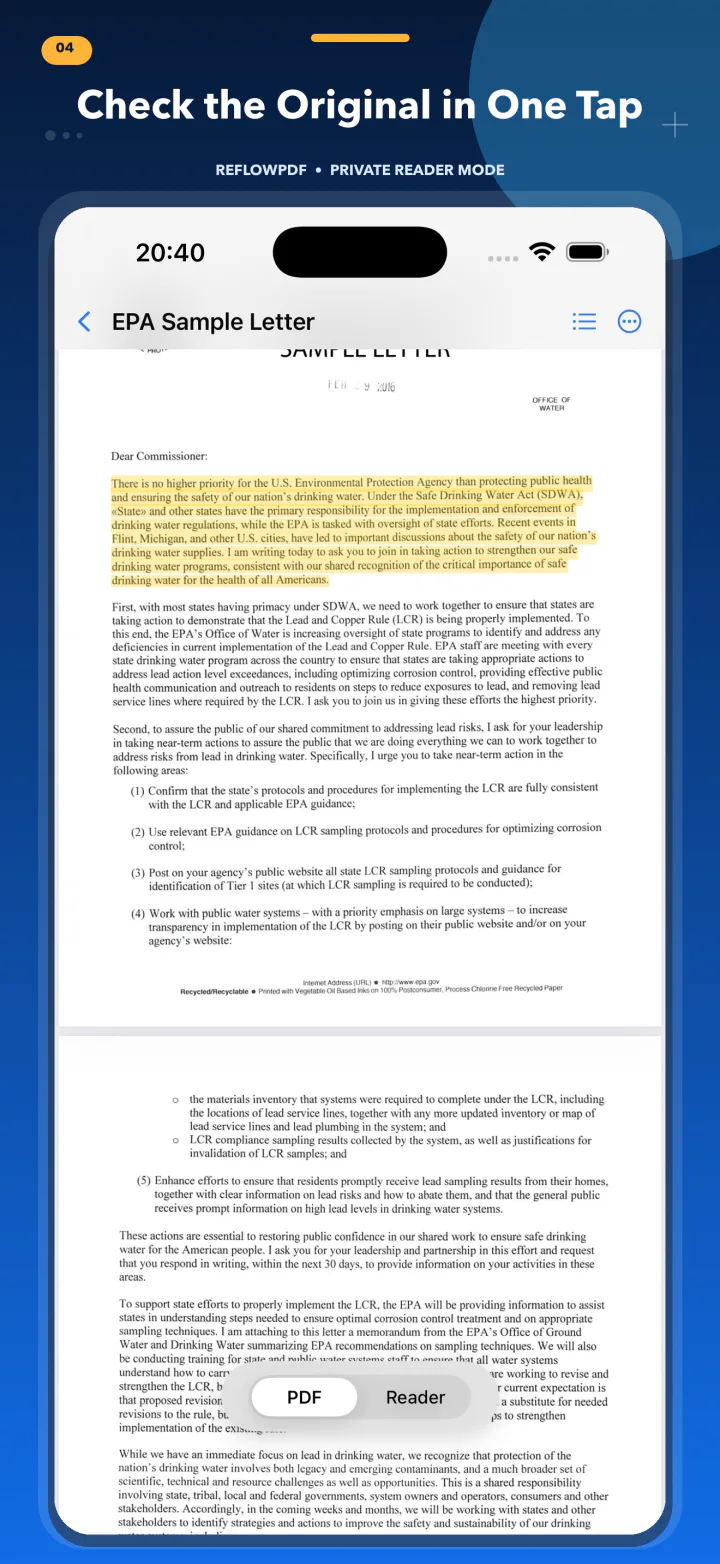
OCR is a reading aid, not a replacement for the source. Jump from a Reader Mode paragraph back to its location in the PDF whenever you need to inspect a chart, citation, footnote, or original layout.
OCR and Reader Mode processing run locally. Your PDF does not need to be sent to our servers.
Start reading without creating a ReflowPDF profile or handing over an email address.
The app does not include advertising or third-party analytics SDKs that track how you read.
ReflowPDF is designed for documents that are readable on paper but uncomfortable inside a phone-sized PDF viewer.
Turn fixed page images into flowing text with a font size that suits longer reading sessions.
Read dense paragraphs comfortably, then jump back to the source for figures, tables, and citations.
Make image-only manuals, notices, and archived material easier to read and search on the go.
Yes. Text recognition and Reader Mode processing happen on your device, so documents do not need to be uploaded for OCR.
Clear scans with upright, high-contrast printed text work best. Native-text PDFs, photographed pages, and mixed documents can also be imported, while complex layouts may need source checking.
Yes. Switch between Reader and PDF views, or use paragraph source links to return to the relevant location in the original document.
ReflowPDF requires iOS 26 or later on iPhone, or iPadOS 26 or later on iPad.
Download ReflowPDF and turn your next scanned PDF into a private, adjustable reading experience.
Get ReflowPDF